Start with your shoot
Open a folder of photographs. Your session stays connected to the files you already have.
Lumanti / Intelligent culling
A great photograph is more than a sharp file. Lumanti helps you sort the technical details so you can give the moments your full attention.
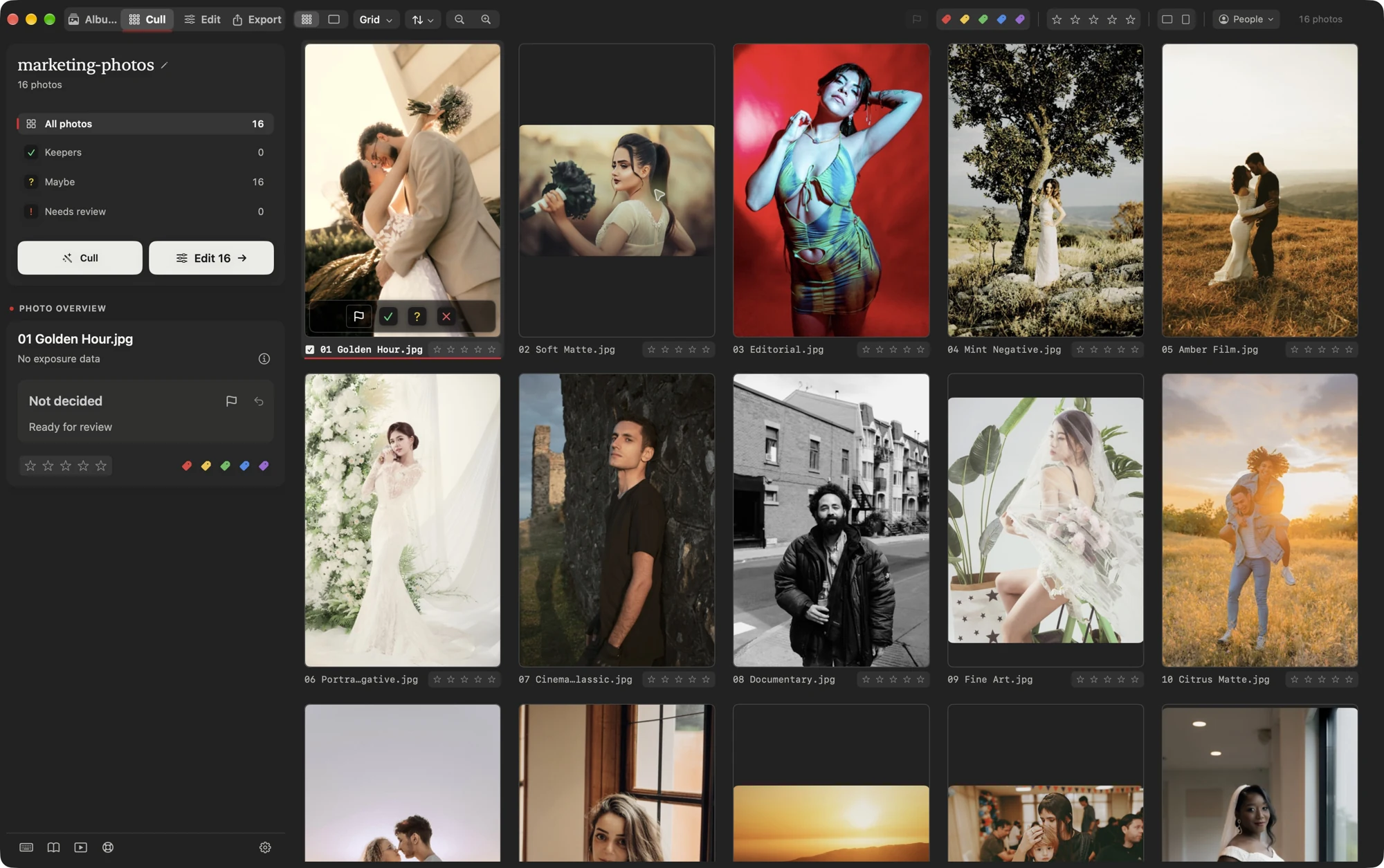
Open a folder of photographs. Your session stays connected to the files you already have.
Use assisted culling to surface focus, eye, and exposure concerns, and bring similar photographs together.
Review Keepers, Maybe, and Needs review. Keep the expression you love, override a suggestion, and move into editing.

You know the story
A little motion. An unexpected expression. The frame that feels like the day. Assistance should make those decisions easier, while leaving the choice with you.
A calmer first pass
Review the alternatives around a moment without losing the context of the shoot.
Use detected faces and the People filter to focus your review on the people in your photographs.
Filter to your keepers and open the editing workspace. Your selections travel with the session.
Your next session, reimagined
Cull. Edit. Deliver. All in Lumanti.